
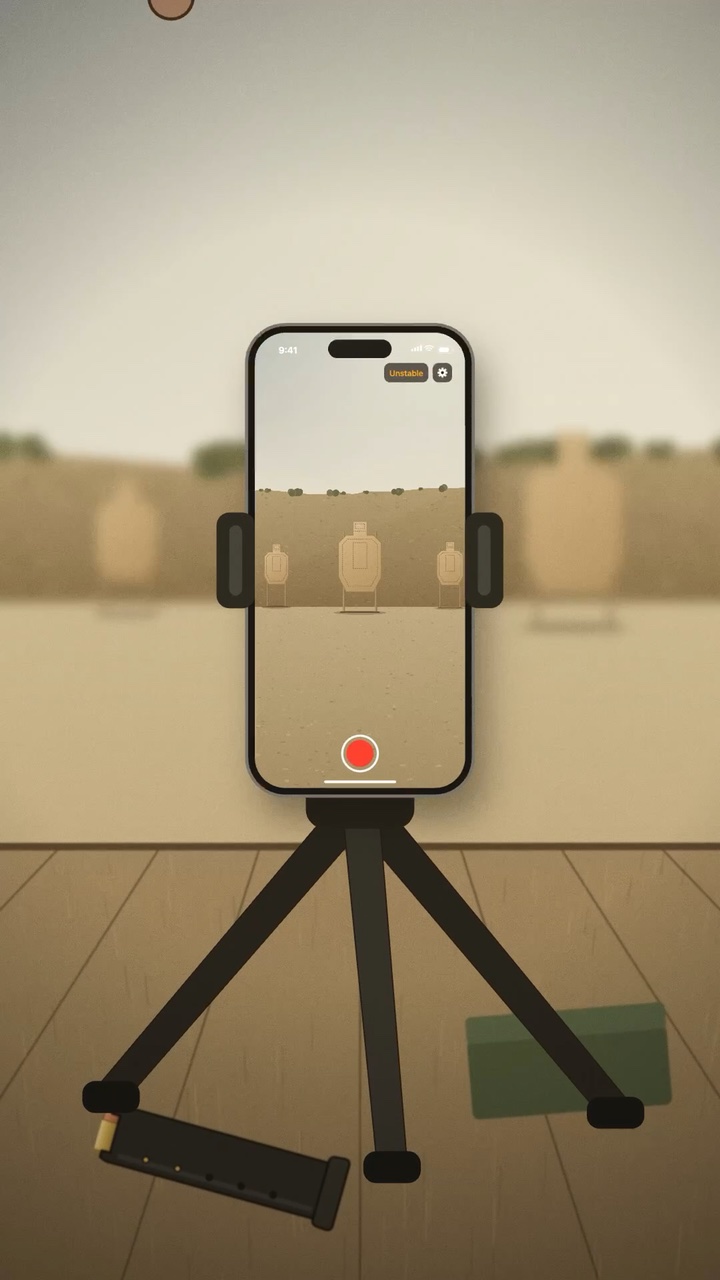
RECORD
Keep the moment.
Record each set of a paper-target drill with your iPhone. Review the footage afterward.
TOOLS FOR PURPOSEFUL PRACTICE
Digital tools to record and review range practice.
Built from experience at the range.
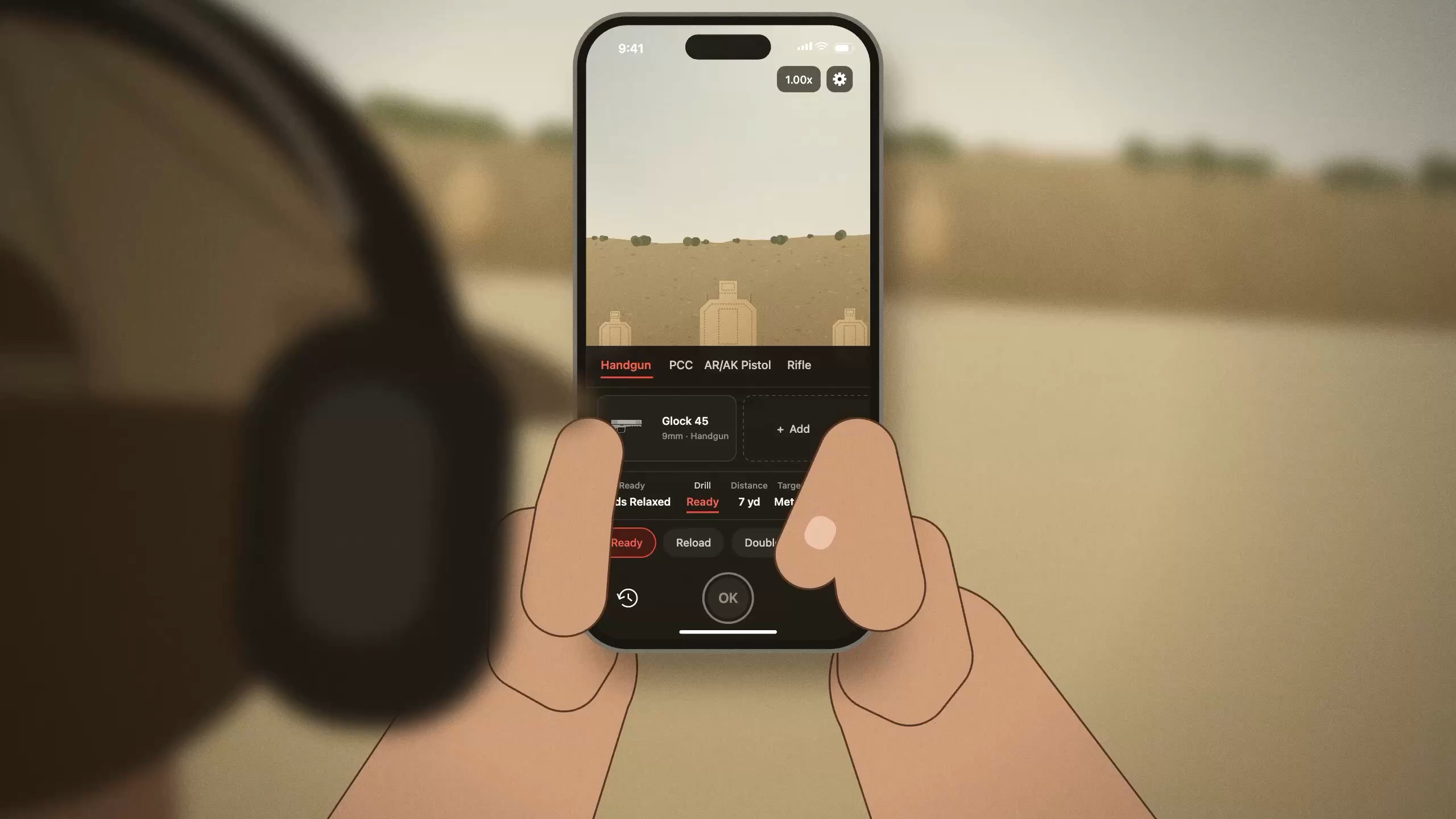
A concept film showing drill selection, target alignment, starting a recording with Apple Watch, and review of shot timing and detected impacts.
The film is temporarily unavailable. Explore the DrillMark workflow below.
01 / THE PRODUCT
Our first product, DrillMark for iPhone, lets you record paper-target drill sets, review shot positions and timing, and save results and notes.
Record each set of a paper-target drill with your iPhone. Review the footage afterward.
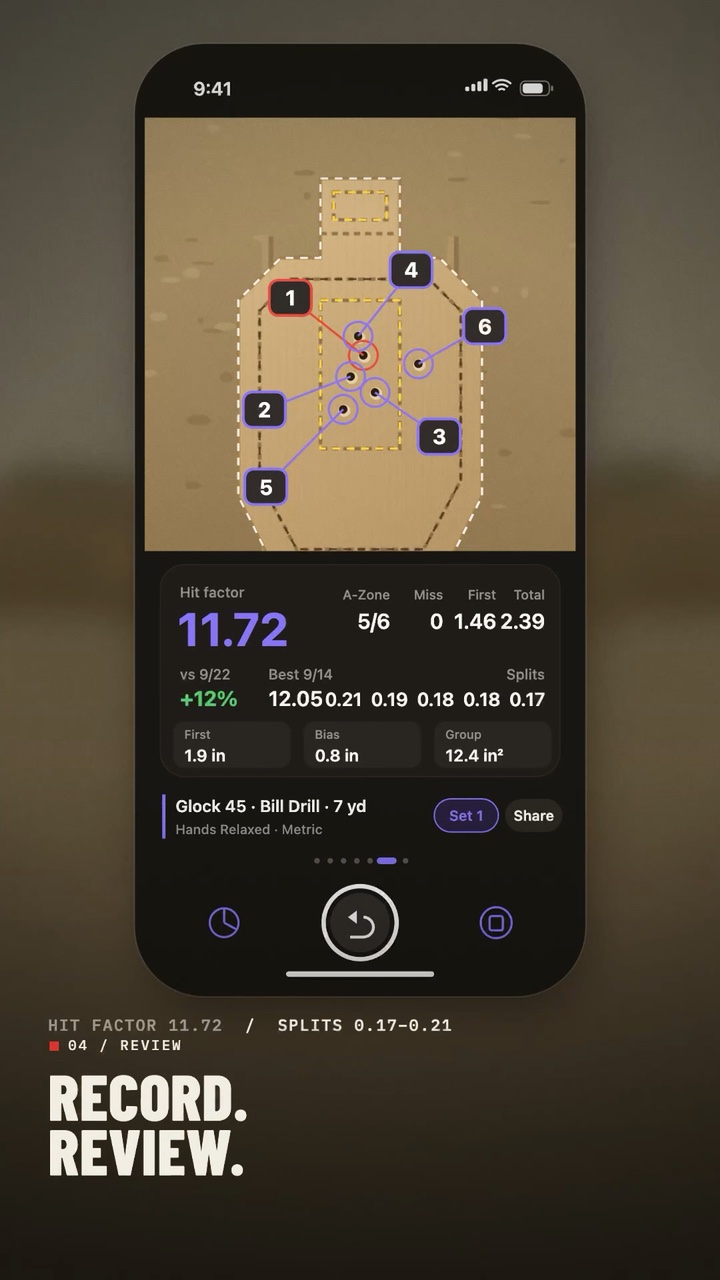
Review detected impacts and timing. Make corrections wherever they’re needed.
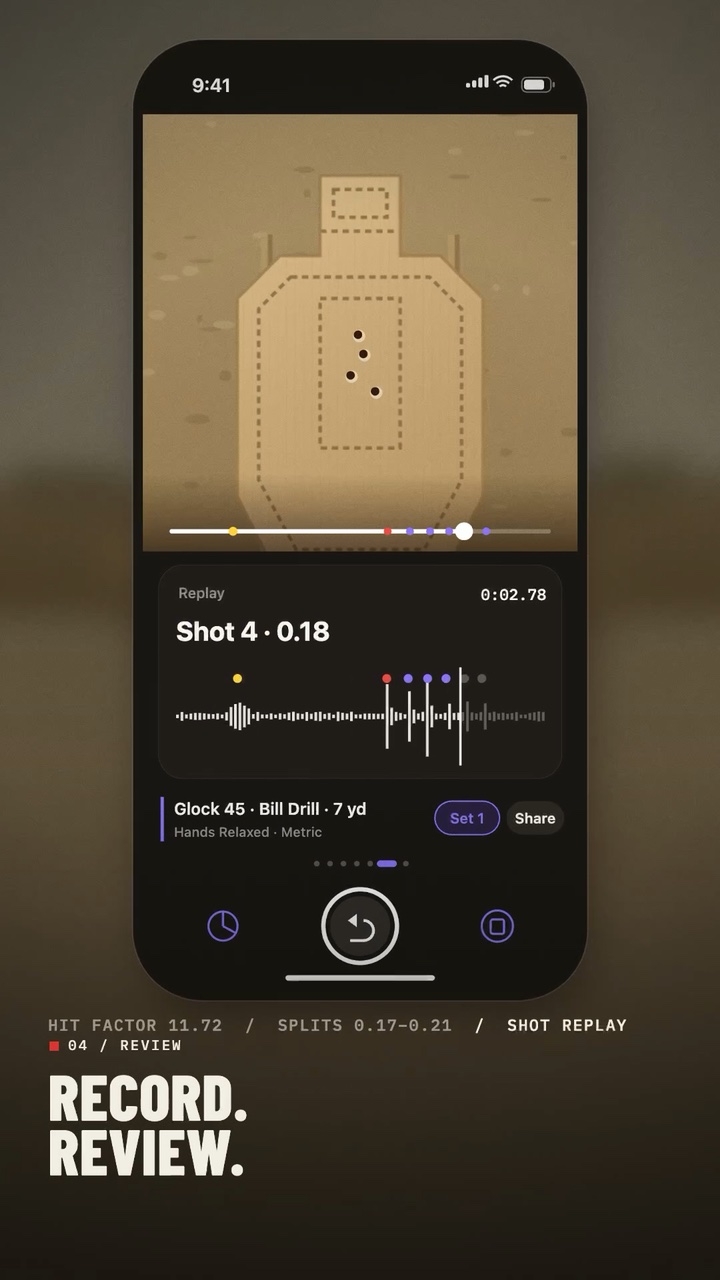
Save results and notes for each set. Review past sets to plan your next practice.
02 / TRY IT ON SCREEN
Show the target below on a larger screen, such as a computer, tablet or TV, and point an iPhone with DrillMark installed at it. Try detection and alignment without a physical target.
Metric · 460 × 760 MMClassic · 460 × 580 MMTrue proportions
SHOW. AIM. LOCK.
Open drillmarkperformance.com/try on a computer, tablet or TV. Choose a target, switch to full screen, and turn the screen brightness up.
In DrillMark, select the same target you are showing: Metric or Classic.
Once the whole target is in view, a bright outline follows it. Center the target, tap Align to zoom in, then tap LOCK to hold the alignment.
GOOD TO KNOW
Detection can vary with screen brightness and room lighting.
Turn the screen brightness up, and change the angle so lamps and windows don’t reflect in the screen. Stepping back until the whole target is in view can also help.
It keeps the proportions of the real target (Metric 460 × 760 mm, Classic 460 × 580 mm) and scales to fit your screen. DrillMark aligns to the target’s shape, so the size doesn’t get in the way of trying it.
The on-screen target is for target detection and alignment. Impact detection and scoring are for physical targets at the range; follow the range’s rules and instructions.
03 / BUILT WITH EXPERIENCE
DrillMark Performance builds tools for purposeful practice. Our first product, DrillMark, connects recording and review with a clearer understanding of your practice.