
Capture the target.
Mount your iPhone on a tripod and record a video of the target during each set.
OUR FIRST PRODUCT / DRILLMARK
DrillMark is an iPhone app for recording paper-target drill sets, reviewing shot positions and timing, and saving results and notes.
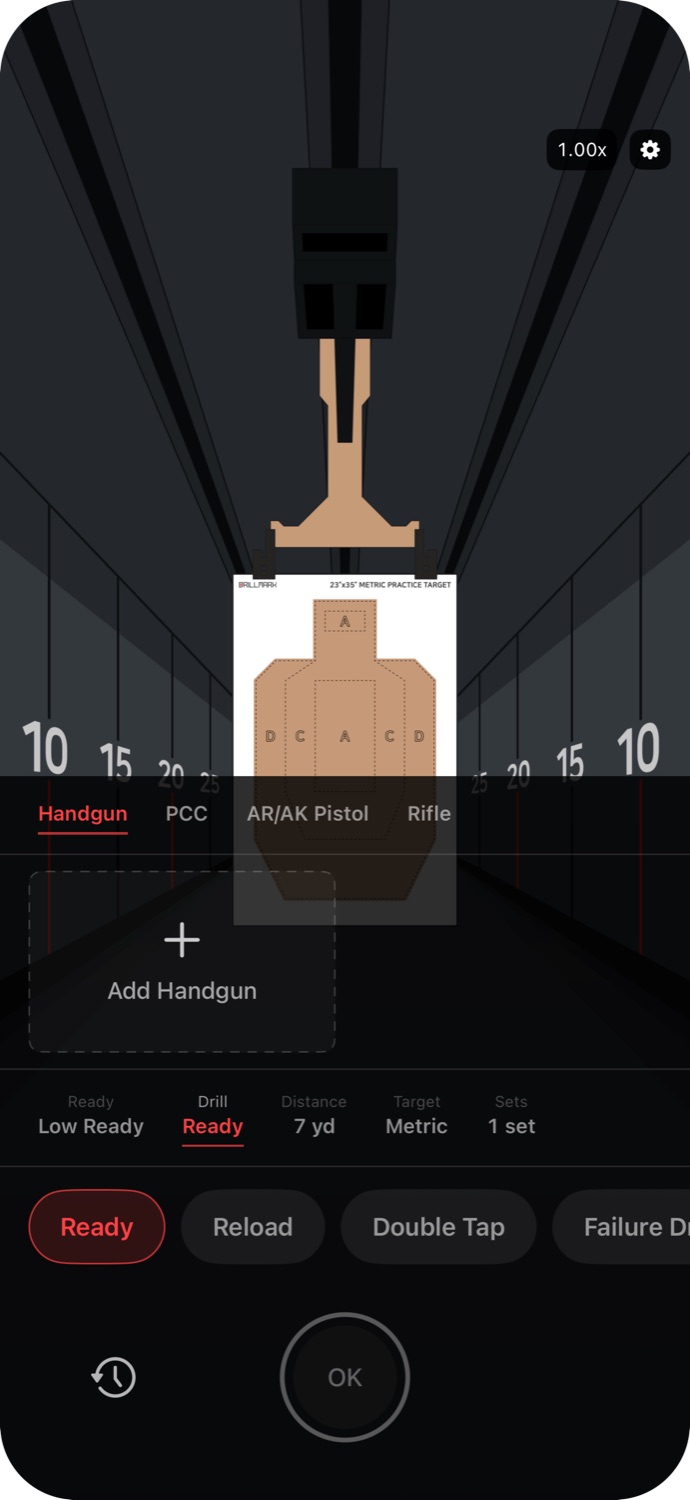
Example drill setup screen
RECORD. REVIEW. REPEAT.
Review what the app detects and make corrections when needed. You have the final say on your record.
Mount your iPhone on a tripod and record a video of the target during each set.
Check detected shot positions and timing, and correct them where needed.
Save each set’s results and notes. Review past sets to track changes over time.
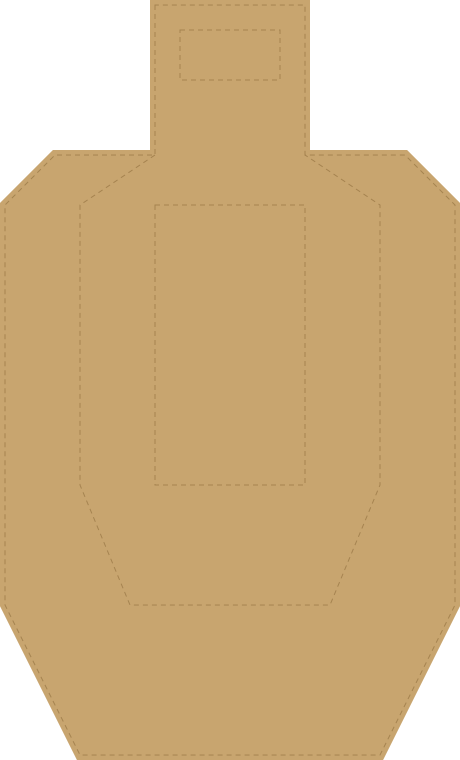

Show a target on a larger screen and point your iPhone at it to try detection and alignment.
YOUR DATA, YOUR CHOICE
Start without an account. Choose result backup when you need it.
Read the privacy policyGOOD TO KNOW
An iPhone, a tripod, and a paper target to record. Set up and use your equipment in accordance with the range’s rules and instructions.
Yes. You can review detected impact locations and timing, and make corrections where needed. Automatic detection can vary with recording conditions.
Ordinary recordings are eligible for automatic deletion after 72 hours. If recording storage exceeds 1.5 GB, older ordinary recordings may be deleted sooner. Recordings of your current personal bests may be kept longer. Saved results and shot data remain when recording media is deleted. See app support for details.
DRILLMARK SUPPORT
Find guidance and answers to common questions.
Contact app support if you need a hand.